Large model capacity
The CPU and Radeon 8060S use the same fast pool. This reduces the need for slow offloading when a model will not fit in the VRAM of a typical consumer GPU.
Compact 395 PC with a large memory pool
The EVO-X2 combines Ryzen AI Max+ 395, Radeon 8060S graphics, and soldered LPDDR5X memory. The 64 GB tier is best suited to quantized 20B-to-32B models, while 128 GB creates the headroom many 70B models need.
Bottom line
The CPU and Radeon 8060S use the same fast pool. This reduces the need for slow offloading when a model will not fit in the VRAM of a typical consumer GPU.
The 7.6 × 7.3 × 3.0 in chassis provides two M.2 slots, two USB4 ports, 2.5GbE, Wi-Fi 7, and an SD reader. Its 230 W power adapter remains external.
Memory bandwidth is well below a flagship discrete GPU. The EVO-X2 makes the most sense when fitting a larger model matters more than achieving the highest token rate.
Unified memory is not all available to the model. Windows or Linux, the runtime, context cache, and other services need headroom too.
Specific configuration
Because memory cannot be upgraded, start with the largest model you expect to run regularly rather than only today's entry model.
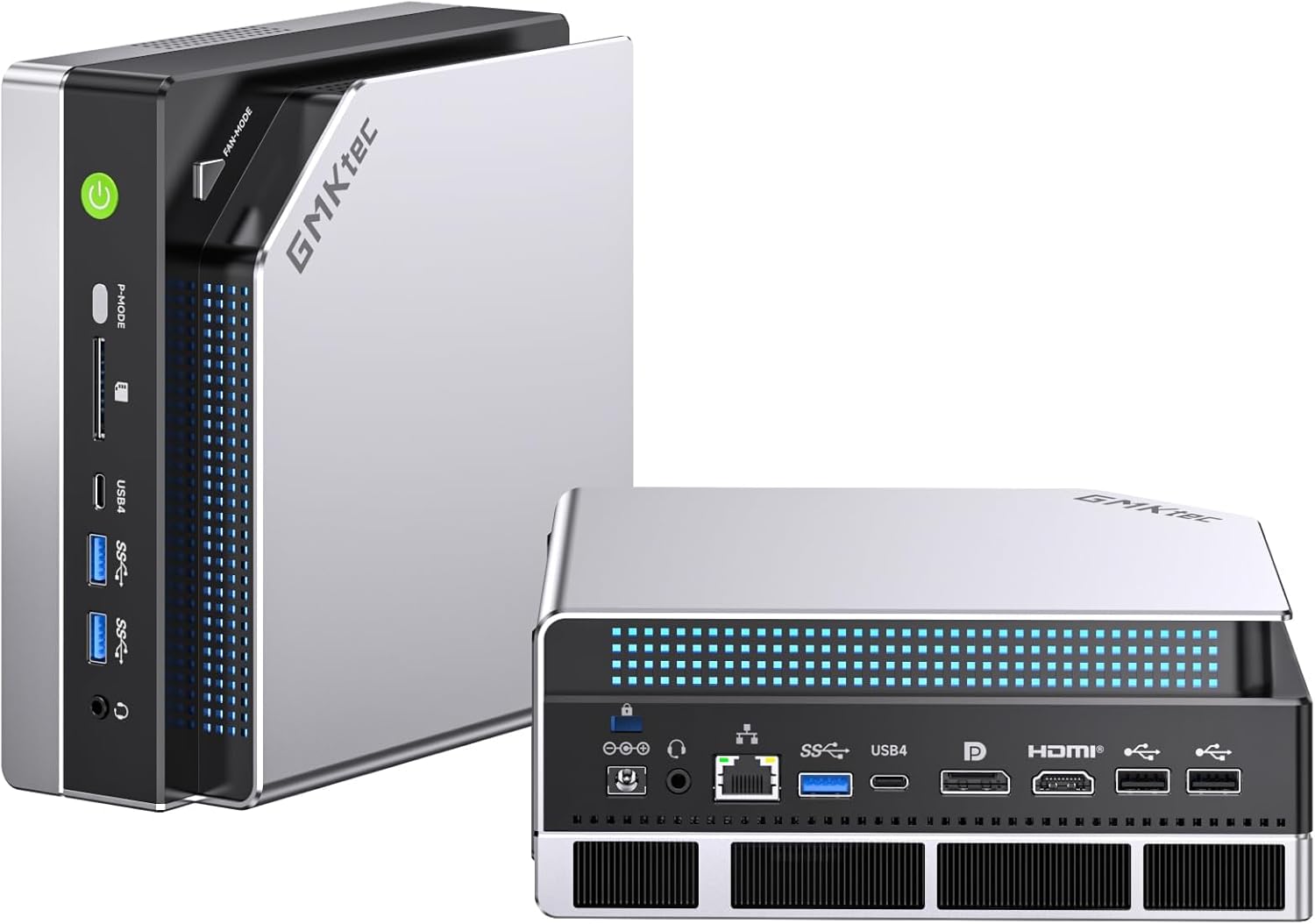
128 GB / 2 TB
This is the useful tier for quantized 70B models, multiple local AI services, or substantial context windows. The included 2 TB drive is also a more practical starting point for several quantizations.
When 64 GB is enough
A 64 GB EVO-X2 can be sensible for quantized 20B-to-32B models, coding assistants, and RAG. It is a poor economy if 70B is the reason for buying: the soldered memory cannot be expanded later.
* Paid link. We may earn a commission if you buy; your price is unchanged. As an Amazon Associate we earn from qualifying purchases. Recheck the selected memory, storage, seller, and delivery details before buying.
Decision guide
| Question | 64 GB | 128 GB |
|---|---|---|
| Typical model range | quantized 20B–32B | 32B with ample reserve; many 70B quantizations |
| Long contexts | calculate closely | more room, still architecture-dependent |
| Several AI services | limited parallel headroom | better for LLM, embeddings, and RAG together |
| Practical storage target | 1 TB plus expansion | 2 TB or more |
| Later RAM upgrade | not possible | not possible |
Before buying
The listing must explicitly state 128 GB and 2 TB. Soldered memory cannot be replaced later.
Check BIOS version and maximum memory allocation. The configurable UMA limit matters more for large models than the headline total alone.
Radeon acceleration may use Vulkan or HIP/ROCm depending on the operating system. Match the exact runtime version to your model format.
The front switch selects different power profiles. Keep the chassis unobstructed during long inference jobs and test the quietest profile that still meets your needs.
Large GGUF files, multiple quants, and embedding models can consume a terabyte quickly. A separate M.2 drive keeps the OS and model library manageable.
Compare alternatives
The Beelink GTR9 Pro emphasizes dual 10GbE, the HP Z2 Mini G1a workstation support, and an RTX 5090 tower maximum inference speed for smaller models.