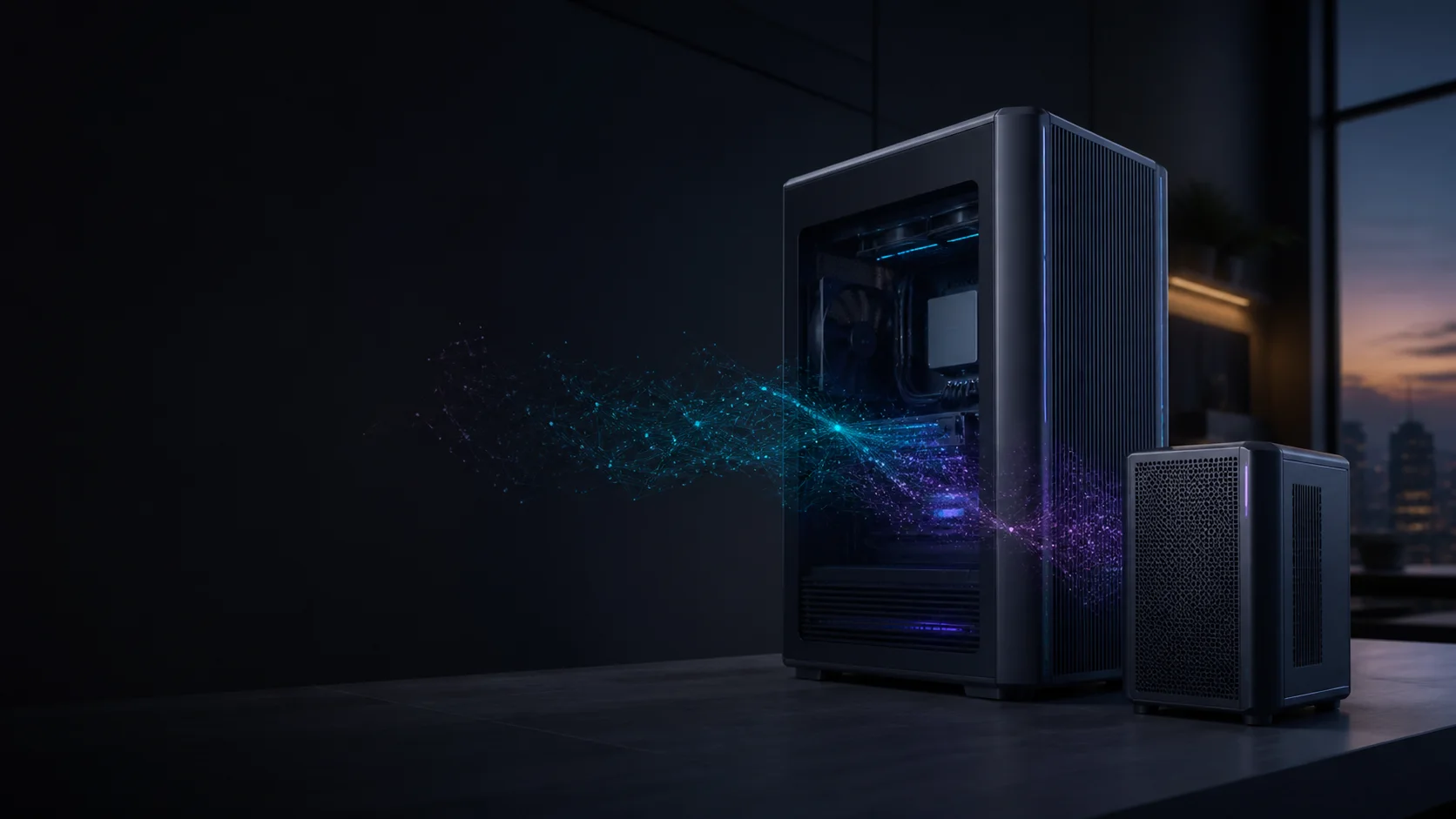
Choose model size
A quantized 8B model is modest. 32B and 70B models need considerably more memory but can cover more demanding tasks.
Local AI. Your hardware. Your data.
Work out how much model memory you really need, then compare complete systems for your model size, speed, space and budget.
Three steps to the right class
For local language models, the crucial question is whether model weights, context cache and runtime headroom fit into fast memory together. An impressive NPU TOPS figure alone does not answer it.
A quantized 8B model is modest. 32B and 70B models need considerably more memory but can cover more demanding tasks.
A discrete high-end GPU delivers excellent speed. Large unified memory can hold bigger models, with a different performance profile.
Cooling, memory allocation, storage, upgradeability and the exact GPU configuration matter as much as the processor name.
Memory tiers at a glance
A practical starting point for 7B to 14B models in suitable quantization and normal context lengths.
Chat · summarization · first coding workflowsInteresting for quantized 20B to 32B models or several smaller components with useful headroom.
Coding · RAG · capable assistantsThe capacity class for 70B models and long contexts, depending on runtime and quantization.
70B · long context · agent stacksThese ranges include practical headroom but are not a guarantee. Architecture, quantization, context, KV cache and runtime all change memory use.
Build a private coding assistant
A coding agent needs more than model weights: tool calls, 64K context and parallel sessions can change the memory target. Our new guide connects the workflow to a suitable complete PC.
Set up OpenCode with OllamaSpecific complete systems
Choose by model size and software needs: two Ryzen AI Max+ PCs with different networking, an NVIDIA AI appliance, or a high-speed GPU tower.
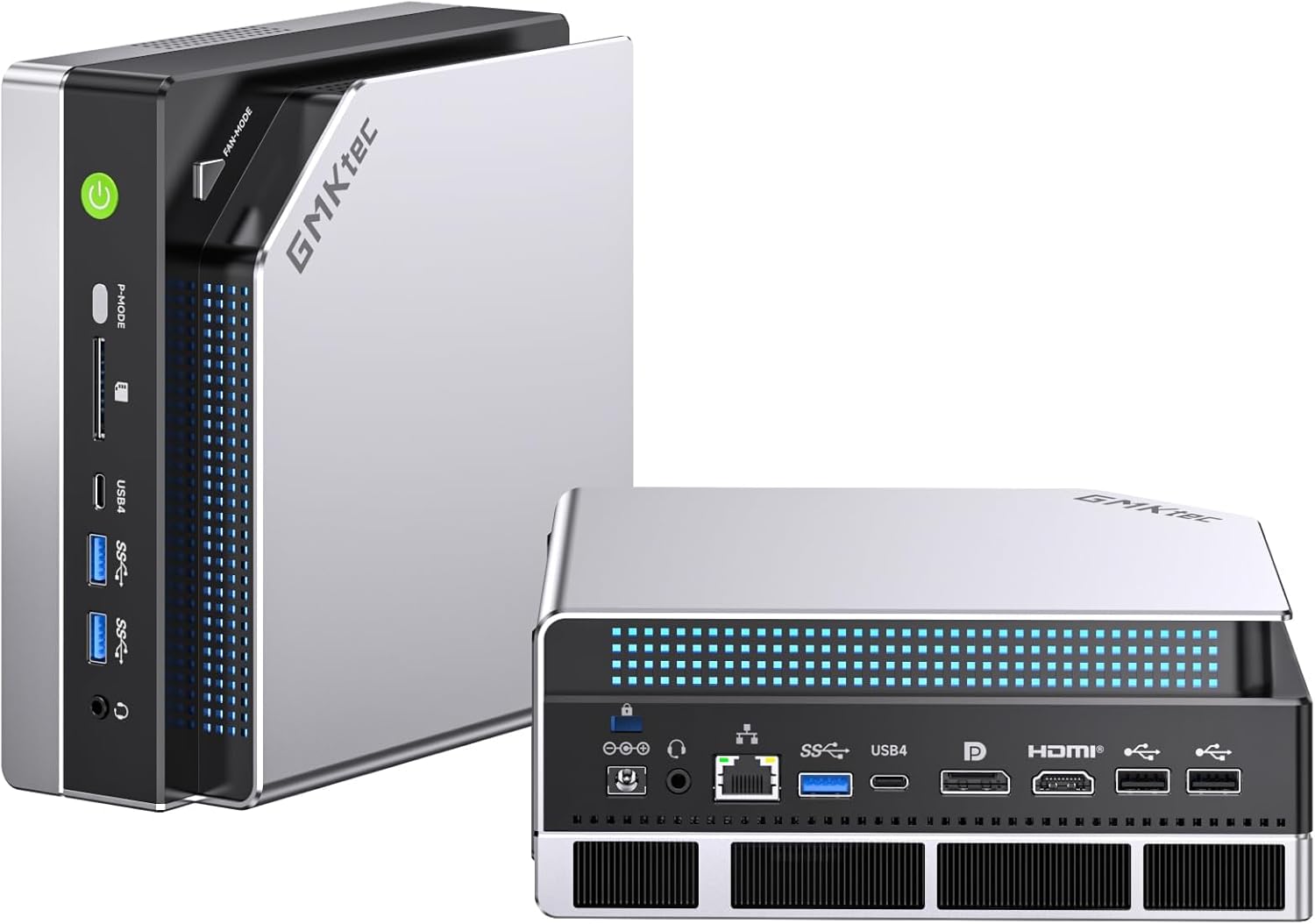
Capacity focus · compact
Ryzen AI Max+ 395 with 128 GB of unified memory and a 2 TB configuration: compelling when fitting a large quantized model matters more than maximum discrete-GPU speed. Read the model guide.
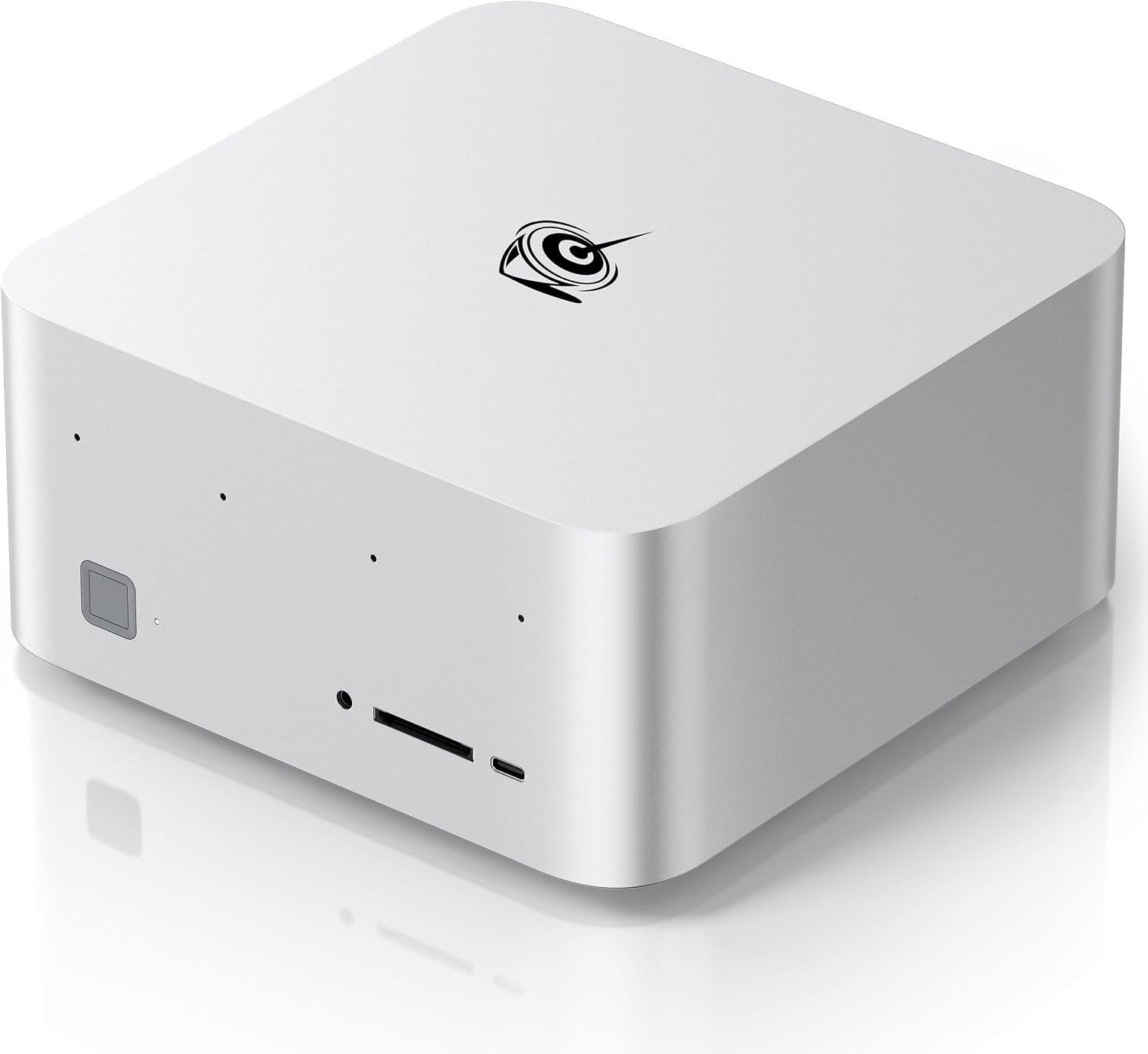
Capacity and networking · compact
A 128 GB Ryzen AI Max+ 395 system with a 2 TB SSD and dual 10GbE for a fast home-network model server. Read the model guide.
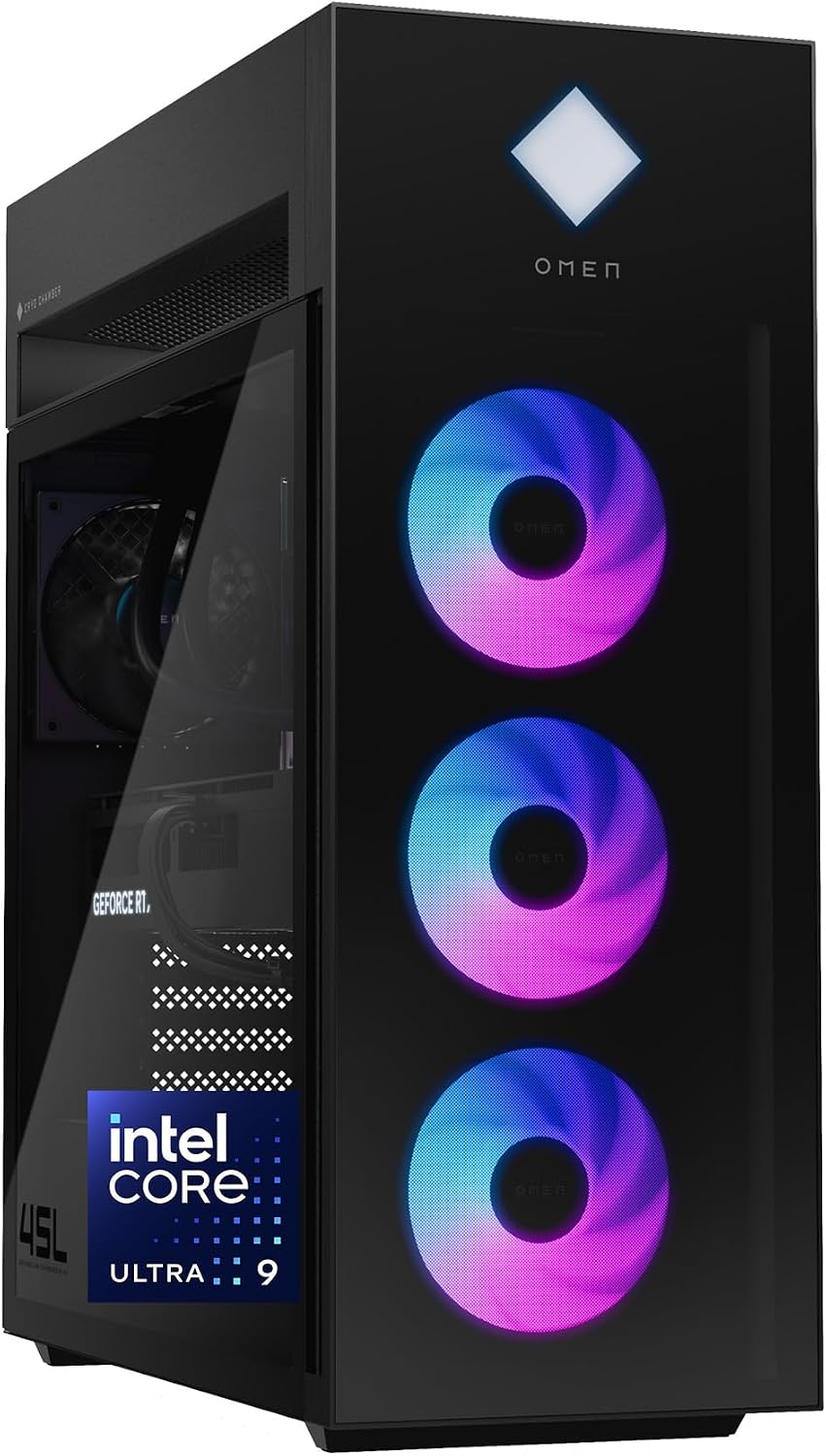
Speed focus · desktop
A roomy tower configuration combining a GeForce RTX 5090 32 GB with 64 GB of system memory. Suited to fast local inference where the active workload fits in GPU memory.
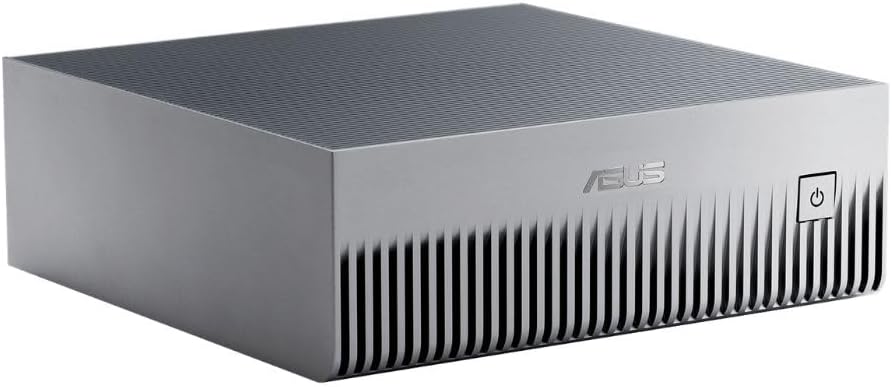
NVIDIA stack · AI appliance
A GB10 Grace Blackwell system with 128 GB of coherent unified memory and an Ubuntu-based NVIDIA environment. It suits CUDA-native local AI work, but is not a general Windows desktop. Read the buying guide.
* Paid link. We may earn a commission if you buy; your price is unchanged. As an Amazon Associate we earn from qualifying purchases. Please verify the exact configuration and current availability with the retailer.
Your workload matters
The finder considers model class, context length, intended use and your main priority. It returns an explainable hardware class, not false precision.
Choose by your main goal
For mostly 8B to 32B models, an RTX 5090 with 32 GB of VRAM is the speed-focused choice. Pair it with at least 64 GB of system RAM and 2 TB of NVMe storage.
RTX 5090 buying check128 GB of unified memory can hold many quantized 70B models with useful reserve, though response speed remains below large professional GPUs.
Compare 70B hardware optionsA 2 TB SSD is a useful starting point, but several model families, quantizations and project data can fill it quickly. Check for another M.2 slot or fast external storage before buying.
Compare storage and upgrades